
The Missed-Lead Follow-Up System: Recovering Revenue From Your Existing Pipeline

Picture a founder who opens the CRM on a quiet Sunday and sorts leads by last activity. Hundreds of them have the same note: "will call back." Some were warm. A few asked for a proposal. Nobody said no, and nobody said when. Each of them is a conversation that stopped without anyone deciding it should. (This is an illustration, not a case study.)
Those leads are already paid for. You spent time, ad money or effort to get them into the pipeline, and then the follow-up slipped through the cracks of a busy week. This guide shows how to build a follow-up system for the leads you already have: four clear states, a six-touch cadence with message templates, signals that tell you when to speed up, an alert that catches a lead going quiet after seven days, and a way to measure whether any of it works, without turning into harassment.
A note on what this is. It is a framework built from public sources (listed at the end, each with the date we read it) and from common sales-operations practice. We did not run a reactivation experiment of our own, so there are no results claimed here, and the templates are starting points, not proven scripts. Every number inside a worked example is a made-up illustration, labeled as one. This is general information, not legal, tax or financial advice.
- Leads die in silence, not in rejection. The fix is a rule that notices silence and makes someone decide.
- Do not plan around quoted follow-up statistics. We looked for a reliable primary source for "how many touches it takes" and did not find one. Measure your own.
- Sort every lead into one of four states: active, warm, dormant or dead. Each has explicit criteria and a next action.
- Use a six-touch cadence with stop rules. One idea per message, different channels, and a clear exit. Cold email rules in the US, including CAN-SPAM, cover business-to-business messages too.
- Detect dormancy automatically, keep a person in the send step, and measure reactivation, not only replies.
- The cost of forgotten leads, and a calculator for yours
- The four lead states, with criteria
- The six-touch cadence, with templates
- Intent signals: when to speed up
- Automating dormant-lead detection at day seven
- Measuring reactivation, not only replies
- A fourteen-day launch plan
- When it is time to hand it to someone
- Frequently asked questions
- Sources
The cost of forgotten leads, and a calculator for yours
Leads do not usually disappear in one dramatic moment. They fade. The salesperson meant to follow up on Thursday, a meeting ran over, and by the following week the lead had slid down the list. Three habits make it worse:
- The silent "I will call you back." Either side says it, and nobody writes down a date.
- Follow-up lives in memory. A rep who remembers to chase twelve leads forgets the thirteenth.
- There is no one whose job it is to notice. A lead that goes quiet does not trigger anything. It just stops appearing.
What the public numbers say, and why we do not quote them
Search for how many follow-ups a sale needs, and you will find confident claims: a certain share of deals need five or more contacts, a large share of salespeople give up after one or two attempts, and so on. We looked at one widely read collection of these (ZoomInfo’s page of 53 sales follow-up statistics) to see where its figures come from. Several are marked "source pending verification," several have no source at all, and the rest are attributed to unnamed or undated studies. Only one study in the sections we read had a named year. We could not find a primary source we could read for the number of touches a sale needs.
So this guide does not quote them. The honest position is that the right number of touches depends on your price, your buyer and your sales cycle, and the only way to find yours is to run the system and measure it. Section 6 shows how.
A calculator for your own forgotten leads
Recoverable revenue = D × r × w × v
- D: the number of dormant leads you could contact (not dead, not unsubscribed, with a valid email).
- r: the share of them that return to active, meaning they reply or engage in a way that counts. You do not know this yet. A small pilot will tell you.
- w: the share of reactivated leads that become customers. Your closed-won rate on comparable leads is a reasonable starting point.
- v: the average value of a deal.
The reactivation rates below are guesses used to show the range, not benchmarks. Assume a 25% win rate on reactivated leads.
| If r is… | Reactivated leads | Deals won | Recoverable revenue |
|---|---|---|---|
| 2% | 8 | 2 | $8,000 |
| 5% | 20 | 5 | $20,000 |
| 10% | 40 | 10 | $40,000 |
The point is not the figure. It is the shape: even a modest reactivation rate on a pile of leads you already own can be worth more than the cost of an afternoon of setup. Subtract your time and tools, and remember that the number is only as good as your guess for r.
Find your forgotten leads in 15 minutes
- Export every lead and contact that is not closed won or closed lost.
- Add a column with the date of the last meaningful activity (a reply, a meeting, a call that connected, not an email open).
- Sort by that date, oldest first.
- Mark the ones with a valid email, a real person at a real company and no do-not-contact flag.
- Count them. That is D.
If your data is messy, that list will be shorter than it should be. Cleaning it first pays off, and we cover a weekly habit for that in our guide to cleaning CRM data without slowing sales.
Most of the work of a follow-up system is noticing: finding who has gone quiet, who has no next step, who needs a nudge today. That is the kind of work a workflow does well, and it is why we build these in n8n (may be an affiliate link) at LeenLabs. If you already know which lead list is yours, you can describe it on our Request a Custom Workflow page and get a quote. If you are not sure yet, the next section gives you the structure to start with.
The four lead states, with criteria
The core of the system is a simple idea: every lead is always in exactly one of four states, and each state has a next action. Without states, "follow up" is a vague intention. With them, it is a list that a person or a workflow can work through.
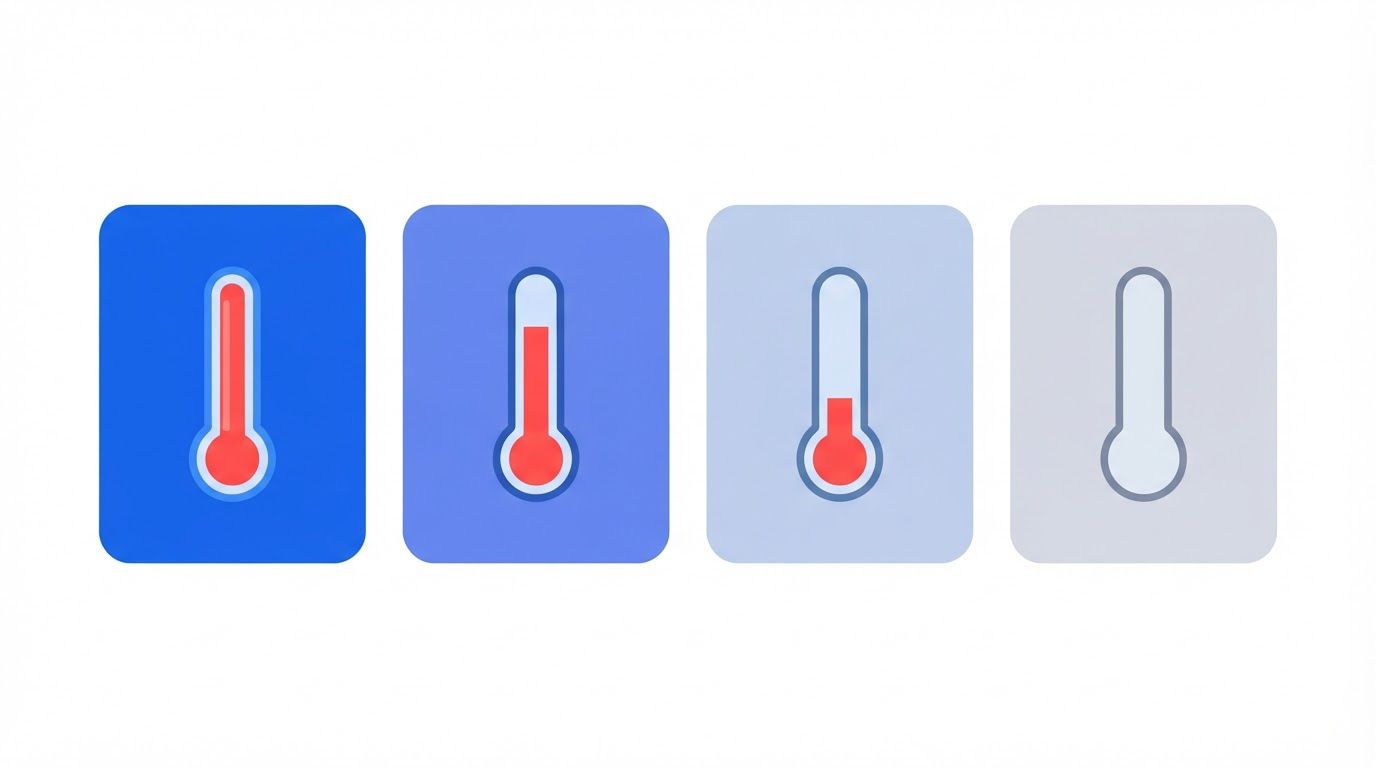
| State | Definition (example thresholds) | Next action | Who |
|---|---|---|---|
| Active | A meaningful activity in the last 14 days | Work the deal as normal. Always keep a next-step date. | Owner |
| Warm | Last meaningful activity 15 to 45 days ago, or an open question from either side | A short, specific nudge. Move to active when they respond. | Owner |
| Dormant | No meaningful activity for 46 to 120 days, and no explicit no | Start the six-touch cadence (next section). | Owner, with the workflow flagging |
| Dead | An explicit no, an invalid contact, a do-not-contact request or a confirmed bad fit | Stop. Record the reason. Keep the record, remove it from sequences. | Owner or manager |
The day counts are examples. A business that sells a $50 subscription has a shorter cycle than one selling a $50,000 project, so scale the thresholds to your own sales cycle. Choose them once, write them down and review them every quarter.
What counts as a meaningful activity
A weak definition of activity ruins everything that follows, so be strict. These count:
- A reply from the lead, by any channel.
- A meeting or call that actually took place and was connected.
- A question, request or document exchanged in either direction that the lead engaged with.
- A meeting booked.
These do not count: an email open, a link click on its own, a view of your LinkedIn profile, or a note you wrote to yourself. Mail apps can load images automatically, which can register an open that no person made, so opens are a poor basis for deciding that a lead is alive.
The rules that move a lead between states
| From | To | What triggers it |
|---|---|---|
| Active | Warm | 15 days pass with no meaningful activity (automatic) |
| Warm | Dormant | 46 days pass with no meaningful activity (automatic) |
| Dormant | Active | A meaningful activity, usually a reply to the cadence (set by the owner) |
| Any state | Dead | An explicit no, an invalid contact or a do-not-contact request, always with a reason code (set by a person) |
| Dormant | Dead | The cadence ends with no response after the cool-off period, only by a person’s decision |
Two rules matter most. First, time moves leads down; only a signal moves them up. Silence is never proof that someone is not interested, but it is proof that you have lost contact, and the system should reflect that. Second, silence alone never makes a lead dead. Dead means you have a reason: an explicit no, a bounced address, a request to stop. A lead that is merely quiet is dormant, and dormant leads are the pool this guide is about.
Reason codes for dead leads
Add a short list and require one when a lead is marked dead. It prevents leads from vanishing and tells you what is going wrong in the pipeline:
- Said no: the lead explicitly declined.
- Wrong fit: they are outside your target customer.
- Invalid contact: the email bounced or the person left and no one replaced them.
- Do not contact: they asked to stop.
- Chose a competitor or built it in-house: useful for later analysis.
- No budget now, revisit later: this is dormant with a date, not dead. Give it a next-step date instead.
The fix for "I will call you back"
Add one rule to your CRM: every active or warm lead must have a next-step date. No date, no active status. When a prospect says "call me in March," the rep enters a task for March and moves the lead to a snoozed list that returns it to the owner on that date. The rule is cheap, it works in any CRM, and it removes a large share of the silent losses by itself.
Invented leads and dates, using the example thresholds above, on the day the sorting is done.
| Lead | Last meaningful activity | Days ago | State | Next action |
|---|---|---|---|---|
| Maple & Co | Call connected | 6 | Active | Send the proposal by Friday |
| Brightline | Reply to quote | 22 | Warm | Short nudge with one question |
| Harbor Labs | Meeting held | 58 | Dormant | Start the cadence, touch 1 |
| Northside Dental | Asked to call in March | 40 | Warm, snoozed | Task set for March 3 |
| Kestrel Foods | Reply: not now | 95 | Dormant | Start the cadence, touch 1 |
| Redwood Studio | Email bounced | 12 | Dead | Reason code: invalid contact |
| Tidewater Co | Replied: using a competitor | 70 | Dead | Reason code: chose a competitor |
| Granite Works | No reply to proposal | 115 | Dormant | Start the cadence, with a different first message |
The six-touch cadence, with templates
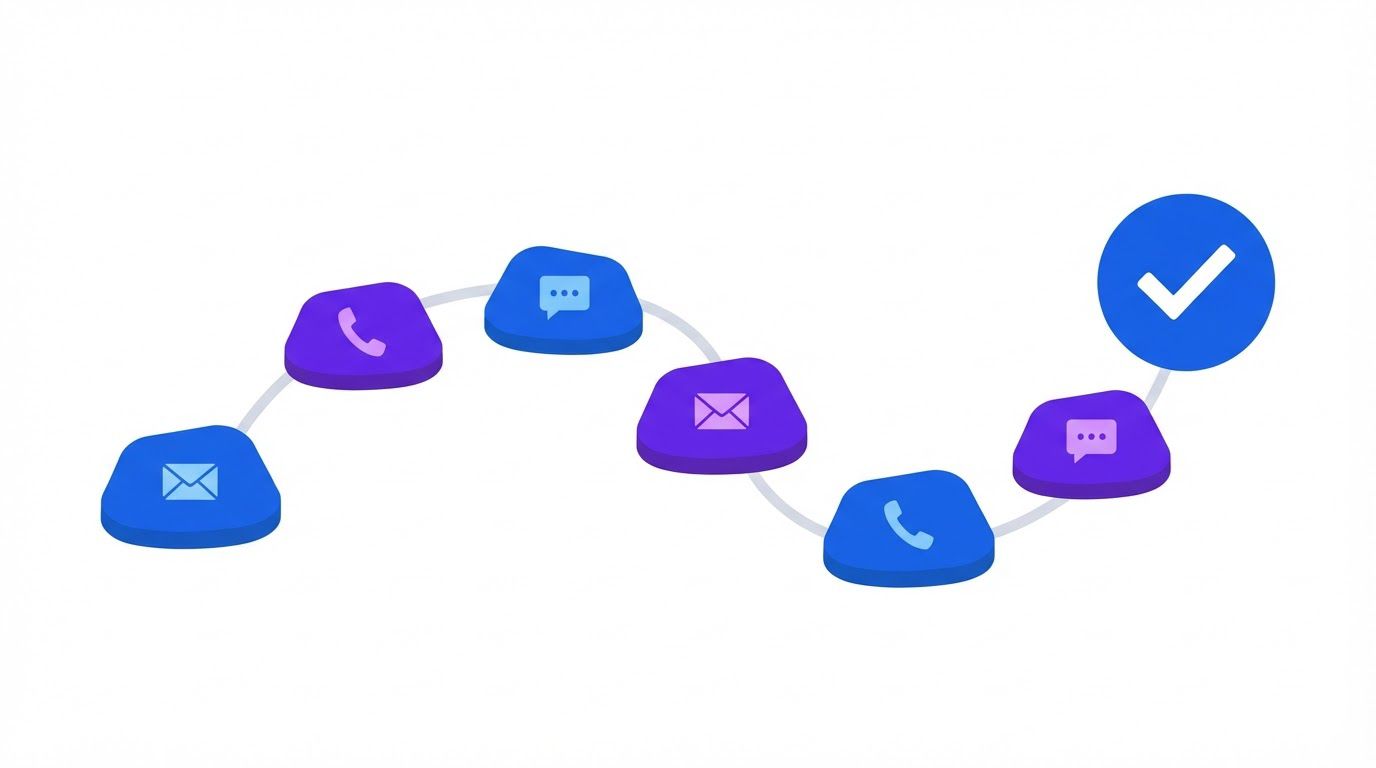
A cadence is a planned sequence of contacts, with fixed gaps, a variety of messages and clear rules for when to stop. Its purpose is the opposite of pestering: it replaces random, guilty, last-minute follow-ups with a short, respectful series that gives the lead several easy ways to respond, including saying no.
Principles that keep it from feeling like pestering
- One idea per message. A message that asks for a call, shares an article and announces a feature gets none of them done.
- Different jobs for different touches. Check in, help, ask, offer, inform, close. Repeating "just following up" six times is not a cadence.
- Mix the channel. At least one touch should be a different channel, such as a call, done by a person.
- Make no an easy answer. A lead who can say "not now" in one line is more likely to reply than one who must write an essay.
- Personalize from your own notes. The strongest first line is something real from your last conversation, pulled from the CRM.
- Stop on any real response. The moment someone replies, the cadence ends and a person takes over.
The cadence at a glance
| Touch | Day (example) | Channel | Job | What it does |
|---|---|---|---|---|
| 1 | Day 0 | Check in | A short note that refers to your last conversation and asks one easy question | |
| 2 | Day 3 | Help | Something useful for their situation: an answer to something they asked, or a resource | |
| 3 | Day 8 | Call or manual message | Switch channel | A person tries a different route, in a human voice |
| 4 | Day 14 | Ask | Asks whether priorities have changed and offers three easy replies | |
| 5 | Day 21 | Inform | Shares something genuinely new, only if it is true and relevant | |
| 6 | Day 28 | Close | Asks permission to close the file, with a clear exit |
The days are examples to adapt to your own sales cycle. The sequence matters more than the exact spacing.
The templates
These are starting points. Fill the brackets from your own notes, cut anything that does not sound like you, and send nothing that is not true. None of them has been tested by us, so use the measurements in section 6 to find out what works for your buyers.
Subject: Following up on [topic from last conversation]
Hi [first name], when we spoke on [date] you mentioned [specific thing]. I wanted to check whether that is still a priority, or whether things have moved. If it helps, I can send a short summary of what we discussed. [your name]
Subject: One thing that may help with [their goal]
Hi [first name], you asked about [question they raised]. Here is [a short answer, or a link to a resource that really addresses it]. No reply needed, but if you would like to talk it through, I am happy to. [your name]
Phone, if you have a number: Hi [first name], it is [name] from [company]. I wrote last week about [topic] and thought a quick call might be easier. Is now an okay time, or should I try another day?
Manual message, if that is how you normally talk: Hi [first name], I sent you a couple of emails about [topic]. Easier to ask here: is it still on your list this quarter?
Subject: Has anything changed on [topic]?
Hi [first name], I will keep this short. Which of these is closest to where you are?
- 1. Still interested, and the timing is [later]: tell me when.
- 2. Not a priority right now.
- 3. We went another way.
A one-number reply is plenty. [your name]
Subject: An update relevant to [their situation]
Hi [first name], since we last spoke, [something that is genuinely new: a change in your offer, a relevant development in their industry that you can point to]. I thought of you because [real reason]. Happy to explain what it could mean for you. [your name]
Subject: Should I close your file?
Hi [first name], I have not heard back, which is completely fine. I do not want to clutter your inbox, so I will close your file for now. If [topic] comes up again, just reply to this email and we will pick up where we left off. [your name]
Add your standard footer to every email, with your business name, a valid physical postal address and a clear way to opt out. The compliance box below explains why.
Stop rules: when the cadence must end
- Any reply. The cadence stops and the owner responds personally. Record the outcome, including "not now" with a new date.
- A meeting booked. The lead moves to active.
- An unsubscribe or a stop request. Mark the lead do-not-contact and suppress it from every sequence at once.
- A bounce. Mark the contact invalid and look for another way to reach the person.
- An out-of-office reply. Pause and resume after the return date, with no catch-up flood.
- An active deal or customer relationship elsewhere. Suppress the lead from the cadence so you do not send cold follow-ups to a customer.
- The end of touch six. Move to a cool-off of at least 90 days before any new cycle.
A shorter version for warm leads
Warm leads, the ones who went quiet only recently, do not need six touches. A three-touch version is usually enough: a direct check-in on day 0, a helpful follow-up on day 4 and a clear close on day 10. Use the same stop rules.
The US CAN-SPAM Act sets the rules for commercial email, and according to the Federal Trade Commission’s compliance guide, it makes no exception for business-to-business email. As of the FTC page we read on November 1, 2026, the main requirements are:
- Accurate header information. The From, To and routing details must identify the person or business sending the message.
- No misleading subject lines. The subject must reflect what the message is about.
- Identify the message as an advertisement where it is one.
- Include your valid physical postal address.
- Explain how to opt out, clearly and visibly.
- Honor opt-out requests within 10 business days.
- Monitor anyone sending on your behalf. You cannot contract away your legal responsibility.
The FTC states that each separate violating email can be subject to penalties of up to $53,088, a figure that is updated over time. Other countries and some US states have their own rules, some stricter, so check the rules wherever your recipients are. This is general information, not legal advice.
A spreadsheet that ranks your repetitive tasks by what is worth automating first. List the task, rate how often it happens, how long it takes, how error-prone it is and how many tools it touches, and the sheet orders your list. Enter your email below and we will send the download link.
Intent signals: when to speed up
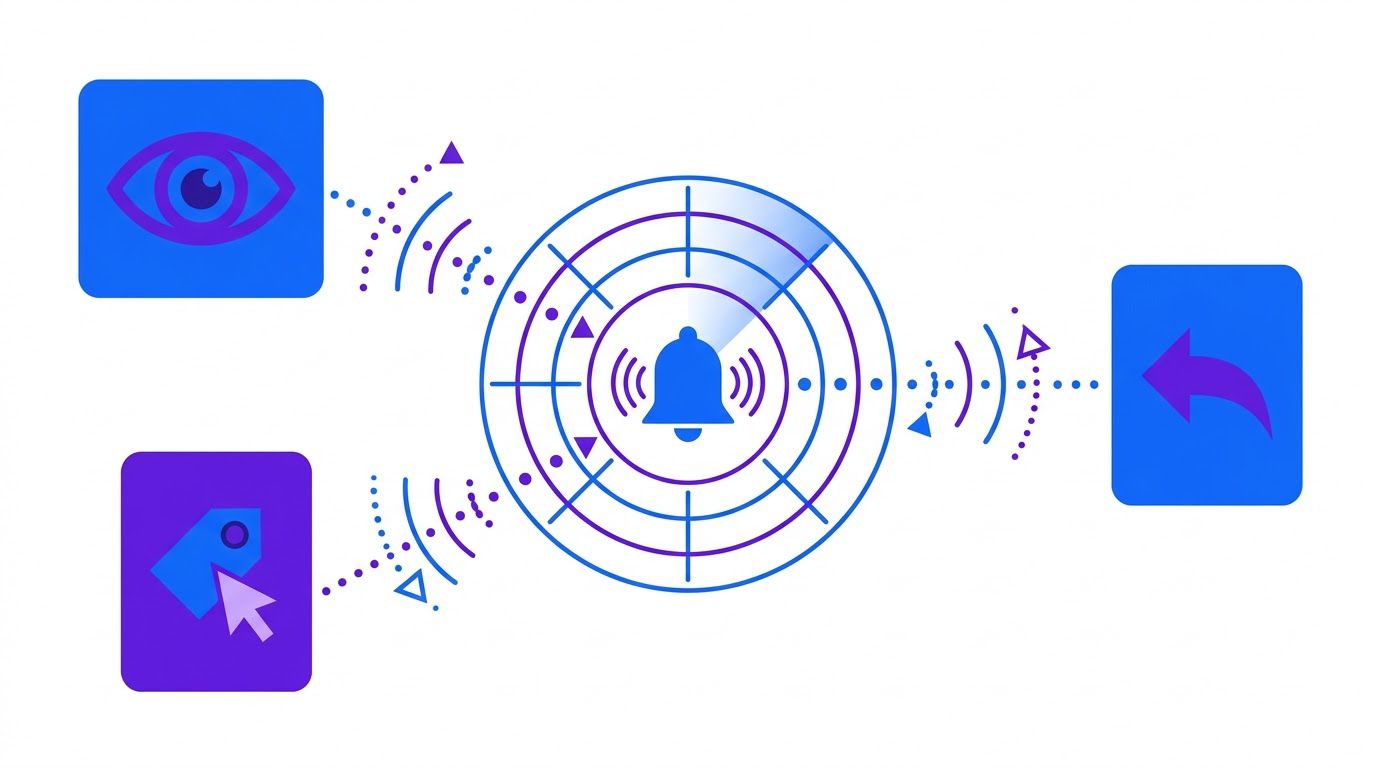
A fixed cadence is a floor, not a ceiling. Sometimes a lead gives you a reason to move faster, and ignoring it is the other way pipelines leak. A signal is any behavior that suggests the lead is thinking about you again. The trick is to match your response to the strength of the signal, and never to treat a weak one as a strong one.
| Signal | Strength | What to do | How fast |
|---|---|---|---|
| A reply, even a short or negative one | Strong | Stop the cadence. A person replies in a human voice and sets a next-step date. | Same business day |
| A meeting or call request, or an inbound call | Strong | Book it and move the lead to active. | Same business day |
| The lead forwards your email to a colleague, or a new person from their company gets in touch | Strong | Treat it as a new conversation with a new person; log the colleague. | Same business day |
| A visit to your pricing page by a known contact, if you have the tracking in place | Medium to strong | A person checks the history and sends a short, relevant message. Do not mention that you saw the visit. | Within a day |
| Several visits, or a return to a proposal you sent | Medium | Move to warm. Prepare a nudge with one question. | Within two days |
| A link click | Medium to weak | Log it. Do not change the cadence on this alone. | Log only |
| An email open | Weak | Log it, nothing more. Opens can be inflated by mail apps. | Log only |
| A relevant event at their company, such as hiring, funding or a change of leadership | Context | Check it by hand. If it genuinely relates to your offer, adapt the next touch. | At the next touch |
How to use signals well
- Act on strong signals with a person. A fast, human reply to a strong signal is worth more than any automated sequence.
- Do not tell a lead you were watching. "I noticed you visited our pricing page" sounds like surveillance. Write something helpful instead.
- Never let a weak signal reset the cadence. One open is not interest. Count meaningful activity only.
- Check tracking and consent. Tracking pixels and cookies are covered by privacy rules in some places. Use settings and notices that fit the rules where your leads live.
- Write the playbook down. A table like the one above, pinned where reps can see it, makes responses consistent.
A word on external triggers
Events at a lead’s company, such as a new hire in the role you sell to, a funding announcement, a product launch or a reorganization, can justify a fresh touch. They are worth a quick check by hand before touch 4 or 5. They are not a reason to flood a lead with messages, and you should not refer to private information. Stick to what the company has made public and relevant.
Automating dormant-lead detection at day seven
The cadence only works if someone notices that a lead has gone quiet. That is a job for a scheduled check, not for human memory. The simplest rule is this: seven days after a lead’s last meaningful activity, if there is no next-step date, alert the owner. A person then decides what happens, with the lead’s history in front of them.
The detection rules
| Rule | Trigger | Alert goes to |
|---|---|---|
| Day-seven silence | An active or warm lead has had no meaningful activity for 7 days and has no next-step date | The owner |
| Overdue next step | A next-step date has passed with no activity | The owner, then the manager after a further few days |
| Slowing deal | A deal’s recent activity count has dropped compared with the previous period | The owner, and a team channel |
| Entering dormancy | A warm lead passes the dormancy threshold | The owner, with the cadence ready to start |
| Snooze return | A snoozed lead’s date arrives | The owner |
Three free workflows that show the building blocks
We publish several n8n workflows that show the patterns you need. None of them is a complete follow-up system, and each one has its own purpose, so read what each does and adapt it to your own CRM.
The closest is Flag Slowing Zoho CRM Deals with n8n. It is a smoke detector for deals that go quiet. Every two hours it reads deals from Zoho CRM (may be an affiliate link), counts how often each deal has had activity recently compared with the period before, and picks out the deals that are slowing down. For each of those it asks an OpenAI (may be an affiliate link) model for a short list of follow-up tactics, and it posts a formatted alert to a Slack (may be an affiliate link) channel. The article explains how "slowing" is decided and is direct about a catch that decides whether the workflow does anything at all. Read it first.
The second is How to Automate Zoho CRM Data Quality Audits. A follow-up system sends emails to the addresses in your CRM, so bad addresses cost you reputation and time. This workflow reads your leads on a schedule, checks the email address and the phone number, spots exact duplicates, flags each lead with a problem and sends you one HTML report through Gmail (may be an affiliate link). Run something like it before you start a cadence.
The third chases invoices, not leads, so treat it as a pattern reference rather than a lead tool: Send Weekly Overdue Invoice Reminders with n8n. Every Monday at 08:00 it reads your invoice tracker in Google Sheets (may be an affiliate link), finds the invoices that are marked Unpaid, have never been chased and were issued more than 7 days ago, and sends each client one polite HTML reminder through Gmail. Then it goes back to the sheet and marks each of those rows as Chased with today’s date, so the same client is not reminded again next week. That small trick, marking each row with a state and a date so nobody is chased twice, is exactly what a lead follow-up system needs. The article also spends real time on what can go wrong when a workflow sends real emails without asking you first. For leads, take that warning seriously.
How much should the workflow do on its own?
| Level | What the workflow does | Fit for sales follow-up? |
|---|---|---|
| 1. Alert | Tells the owner who has gone quiet, with context | Yes, always a safe start |
| 2. Draft | Prepares the next message from your template and the CRM notes, and waits for a person to approve and send | Yes, the recommended level for most teams |
| 3. Send | Sends on its own after a set delay | Only for narrow, low-risk messages, such as a booking confirmation. Not for cold follow-ups to leads. |
Sales follow-up speaks for your business to a person who has already shown some interest. A wrong name, a mistimed message or a note to someone who has just become a customer costs more than the minutes the automation saves. Keep a person in the send step, at least until your measurements show the drafts are reliable.
The shape of the workflow
- Schedule. Run every morning on weekdays.
- Read. Pull leads and their last meaningful activity from the CRM.
- Classify. Work out the days since activity and the state for each lead.
- Filter. Keep only leads that match a rule and are not suppressed (customers, do-not-contact, active deals).
- Group. Build one short digest per owner, not one message per lead.
- Draft. Prepare the next touch from the template and the notes.
- Wait. Pause until the owner approves, edits or skips.
- Send and mark. After approval, send the message and write the touch number and the date back to the CRM.
- Log. Record every alert, approval and send.
What can go wrong, and the controls
- The same lead is contacted twice. Write the touch number and date back to the CRM, and check it before every send.
- A customer gets a cold follow-up. Suppress customers and open deals before drafting.
- An old or wrong address. Run a data check first, and treat any bounce as a stop.
- A runaway workflow. Add a daily send cap and a single switch that pauses everything.
- Nobody reads the alerts. Keep the digest short, grouped by owner and limited to what needs a decision today.
Describe your CRM, your lead states and who owns what. We reply with a quote to build the day-seven alert and the draft-and-approve step as an n8n workflow, or to adapt one of our free workflows to your setup. You pay 40% to start and the remaining 60% on delivery.
Measuring reactivation, not only replies
A reply is not a result. A reply that says "please stop" is a reply. What you care about is whether dormant leads come back to life, and whether that turns into pipeline. Define the measure first, then count.
The definitions
- Reactivated lead: a dormant lead that shows a meaningful activity (section 2) within a set window after the first touch, such as 30 days.
- Reactivation rate: reactivated leads divided by dormant leads that entered the cadence.
- Positive-reply rate: replies that show interest, divided by leads contacted.
- Meeting rate: meetings booked divided by leads contacted.
- Pipeline created: the value of the opportunities that came from reactivated leads.
- Guardrails: unsubscribe rate, spam complaints and bounces. If these climb, the system is doing harm.
The numbers are invented to show how the measures relate. They are not benchmarks, and a sample this small can mislead.
| Measure | Count | Rate |
|---|---|---|
| Dormant leads that entered the cadence | 50 | |
| Replied in any way | 9 | 18% |
| Replied with interest | 5 | 10% |
| Meetings booked | 3 | 6% |
| Reactivated (meaningful activity within 30 days) | 6 | 12% |
| Unsubscribed or asked to stop | 2 | 4% |
| Bounced | 1 | 2% |
Notice that the reply rate (18%) is larger than the reactivation rate (12%), because some replies were polite refusals. The reactivation rate is the one that tells you whether the pool is worth working.
How to run a pilot
- Start small. Fifty dormant leads is enough to learn whether the messages are understood and whether any complaint arrives.
- Keep the data. For each lead, record the touch that got the response. Over time, you learn which touches earn their place.
- Do not over-read small samples. Three more replies can swing a percentage a long way. Run a second batch before you decide anything.
- Change one thing at a time. A new subject line or a new touch order, not both.
- Set a stop rule. Decide in advance what level of unsubscribes or complaints makes you pause and rewrite.
- Compare to what would have happened anyway. Some dormant leads come back unprompted. A small control group of leads you leave alone tells you how many.
A simple weekly dashboard
| Measure | Why you watch it |
|---|---|
| Dormant leads entering the cadence | Shows whether the pool is being worked |
| Reactivation rate | The headline result |
| Meetings booked and pipeline created | Connects the work to revenue |
| Touches per reactivation | Shows which touches earn their place |
| Unsubscribes, complaints and bounces | The guardrails |
| Leads with no next-step date | The leak the system is meant to close |
A fourteen-day launch plan
| Days | What you do | Output |
|---|---|---|
| 1 to 2 | Export the leads, add the last meaningful activity date, find D (section 1). | A list of dormant leads |
| 3 | Write the four state definitions and the reason codes. Add the next-step date rule. | A one-page policy |
| 4 to 5 | Adapt the six templates to your voice. Add your footer and check the compliance box. | Six templates, ready |
| 6 | Clean the pilot list: valid emails, no customers, no do-not-contact. | A pilot list of 50 |
| 7 to 14 | Run the cadence by hand on the pilot. Log every response and every touch. | Raw pilot data |
| After day 14 | Compute the measures. Fix the weakest touch. Then automate the day-seven alert. | A decision, with numbers |
If you automate a cadence you have never run by hand, you automate your guesses. Run the pilot manually first, see which messages get responses and which cause complaints, and only then build the workflow. It is faster than it sounds and it protects your sender reputation.
Two rules keep the launch honest. Change one thing at a time, so you know what moved the numbers. Expand only when the guardrails are clean. More leads, more touches and more automation all raise the cost of a mistake.
When it is time to hand it to someone
Many teams will run the pilot by hand and keep the system alive with a spreadsheet and a calendar reminder. The part that tends to stall is the noticing: the daily check, the owner digest and the draft-and-approve step. That is the part that benefits from a workflow.
That is where LeenLabs comes in. We build custom n8n workflows and adapt existing ones, including the ones mentioned in this guide, to your CRM, your lead states and your approval step. A request works like this:
- You send a short form describing your CRM, how you define each lead state and who should be alerted.
- We read it and send you a quote. You see the cost before anything starts.
- You approve the quote and pay 40% to start.
- We build the workflow and deliver it. You pay the remaining 60% on delivery.
If you have looked for help on a freelance marketplace, you know the usual route: write a job post, collect proposals, interview candidates and manage the build yourself. That works well when you know exactly what to ask for. A follow-up system is harder to specify, because the difficult part is not the script. It is the rules: what counts as dormant, who gets alerted, what a person must approve. A structured request puts those questions up front, so the quote you receive is for a workflow that matches your rules.
Every workflow we build is an n8n workflow, so every step and every check is visible and you can read what it does.
Describe your CRM, your lead states and who owns the follow-up. We will send back a quote for a custom n8n workflow, or for adapting one of our free workflows to your setup.
Not ready to request a quote? Start with the free workflows, download the Scorecard from the form above to rank your repetitive tasks, and come back when you know which one costs you the most.
Frequently asked questions
How many times should I follow up with a lead?
There is no reliable universal number, and we could not find a primary source for the figures often quoted. A six-touch cadence over about four weeks is a reasonable starting point for dormant leads, with a shorter three-touch version for warm leads. Run a small pilot and measure your own results.
How long should I wait before following up on a quiet lead?
A day-seven alert for leads with no meaningful activity and no next-step date is a practical rule. Adjust it to your sales cycle: a short-cycle product warrants a shorter wait than a long project sale.
Is it legal to send follow-up emails to leads who never replied?
In the US, CAN-SPAM covers commercial email, including business-to-business messages, and requires accurate headers, a non-misleading subject, a physical address and a working opt-out honored within 10 business days. Other countries and some states have different rules. This is general information, not legal advice.
What is the difference between a dormant lead and a dead lead?
A dormant lead has gone quiet without saying no. A dead lead has an explicit reason: a refusal, an invalid contact, a do-not-contact request or a confirmed bad fit. Silence alone should never make a lead dead.
Should I use email opens to decide who is interested?
Not on their own. Mail apps can load images automatically, which can register an open that no person made. Count replies, meetings and other meaningful activity instead.
Can I let a workflow send follow-ups automatically?
For cold follow-ups to leads, we recommend a person approves each message, at least until your measurements show the drafts are reliable. Automate the noticing and the drafting, and keep a person in the send step.
How do I measure whether the system works?
Track the reactivation rate, meeting rate and pipeline created, and watch unsubscribes, complaints and bounces as guardrails. Start with a pilot of about fifty leads and avoid drawing conclusions from small samples.
Does this work if I do not use Zoho CRM?
Yes. The states, the cadence, the signals and the measures are CRM-agnostic. The free workflows we link to are built on Zoho CRM, so their exact nodes differ, but the logic can be rebuilt for other systems.
Sources and how we checked them
Every external figure in this guide was read on the page linked below on November 1, 2026. The worked examples, tables, formulas, thresholds and templates are illustrations, and are not drawn from any source.
- FTC, CAN-SPAM Act: A Compliance Guide for Business: the seven requirements, the 10-business-day opt-out rule, the statement that there is no exception for business-to-business email, and the penalty of up to $53,088 per violating email.
- ZoomInfo Pipeline, 53 Sales Follow Up Statistics: read to check where commonly quoted follow-up statistics come from. Several figures are marked as pending verification or have no source, which is why we do not quote them.
- About Us: who we are and how we work
- Free Workflows: n8n workflows with JSON you can import
- Request a Custom Workflow: describe a task and get a quote
- Terms of Service
- Privacy Policy
This article is general information and not legal, tax or financial advice. Laws and rules differ by country and state and change over time. Check with a qualified professional about your own situation.